Google Calendar or Outlook Calendar: Which is better for scheduling business appointments?
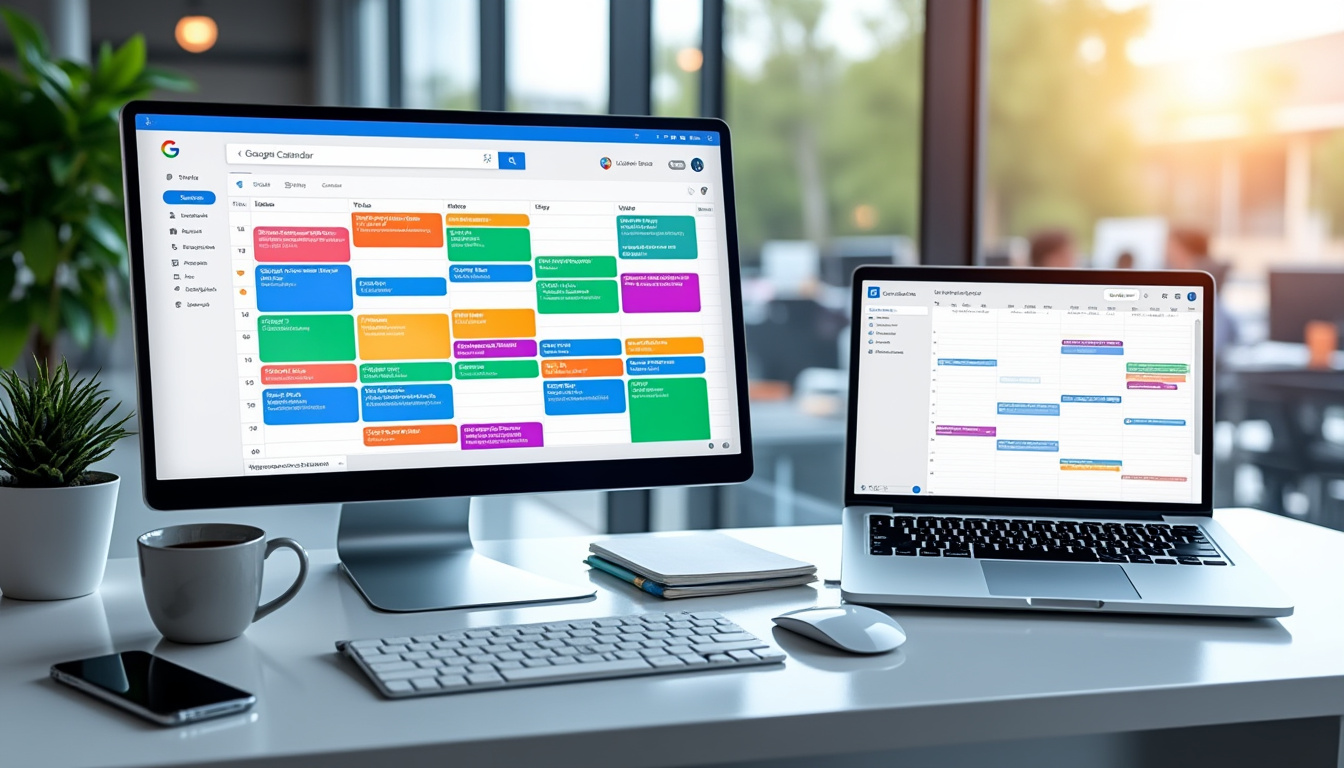
Choosing a calendar management tool is essential for professionals, especially for scheduling business appointments. With the rise of digital tools, Google Calendar and Outlook Calendar have become essential references. Each solution has unique features and is designed for specific uses. In this article, we’ll take a closer look at these two online calendar giants, their features, benefits, and limitations. Summary 1. Summary Comparison Table 2. Comparison Criteria 3. Detailed Analysis of Each Solution Summary Comparison Table
Features
- Google Calendar
- Outlook Calendar
- Cross-Platform Synchronization
Yes (iOS, Android, Web)
| Yes (Windows, Mac, iOS, Android) | User Interface | Clear interface with Material Design |
|---|---|---|
| Interface integrated into Outlook, more conventional design | Event Creation | Simple with adding reminders via Google Assistant |
| File Integration with Microsoft Teams and Skype | Advanced Features | Goals and Integration with Google Fit |
| Interesting Calendars and Evernote Integration | Collaboration Tools | Easily Shareable with Other Google Users |
| Easy Collaboration via Microsoft Teams | Comparison Criteria | To evaluate these two applications, we will rely on several essential criteria: |
| Value for Money: Do the features offered justify the price? Is there a free version? Features | : What appointment scheduling features are available? Do they include reminders or sync with other tools? | Ease of Use |
: Is the interface intuitive? Is creating an event quick and efficient?
Customer Support
- : What happens if you encounter a problem? What kind of help is available? Integrations
- : Does the tool integrate easily with other business applications like HubSpot, Zoom, or Calendly? Detailed Analysis of Each Solution
- Google Calendar Google Calendar is a free service that allows you to intuitively create and manage schedules. Its popularity is largely due to its seamless integration with other Google tools such as Gmail and Google Meet.
- Strengths: Clean and modern user interface, compliant with Material Design principles.
- Integration with other Google apps for a unified experience. Easier event creation thanks to automatic suggestions. Goal creation functionality to organize activities in a more structured way.Calendars sync between all Google users. Weaknesses:No native integration for video calls other than Google Meet. May lack in-depth features compared to Outlook in a business context. Google Calendar is ideal for professionals, often already integrated into the Google ecosystem, who are looking to manage their time efficiently.
Outlook Calendar
Outlook Calendar
is an application integrated with Microsoft Outlook, offering the robustness and reliability appreciated in the professional world. It combines the functionality of a calendar with an email application. Strengths:
- Easy integration with Microsoft Teams and Skype, ideal for virtual meetings.
- Ability to add events from social networks and other feeds.
- Advanced features for creating reminders and annotations in events.
- Versatile application, able to manage contacts, emails, and events all in one place.
- Weaknesses:
- Interface a little less intuitive than Google Calendar, especially for new users.
- May seem complex for users who only need basic features.
- Outlook Calendar is particularly suitable for companies that already use the Microsoft ecosystem and are looking for a complete professional collaboration solution.
- Which is the best choice for your profile?
The choice between
Google Calendar
and Outlook Calendar
- ultimately depends on the work environment and the specific needs of each user.
- If you are a freelancer or self-employed person:
- Google Calendar is probably the best choice thanks to its simplicity and integration with various productivity tools.
- If you work in an SME:
- If you already use a CRM like
- HubSpot
- , Outlook Calendar could better meet your needs thanks to its integration.
- If you manage a sales team:
Outlook offers advanced integration features, particularly for calls and lead management, which can be crucial.
Transparence : rédaction assistée par IA, informations vérifiées aux sources officielles, relu et validé par un humain. Notre charte éditoriale