
PandaDoc or DocuSign: Which is the best tool for contract management?
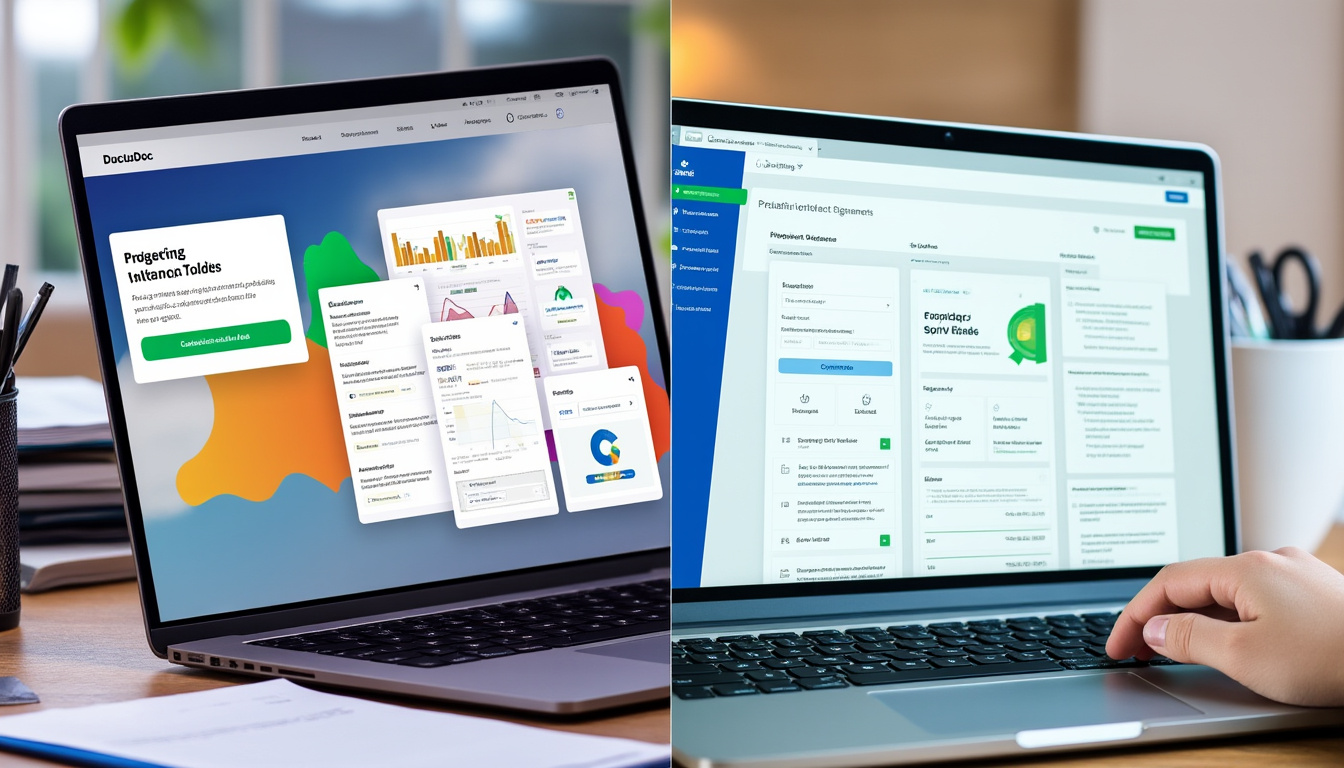
In an increasingly digital business world, document and contract management has become essential to business success. Electronic signature tools like PandaDoc and DocuSign stand out as effective solutions for simplifying this process. Each platform offers unique features and addresses specific needs, making comparison crucial for entrepreneurs and businesses looking to optimize their workflow.
Summary
- PandaDoc vs. DocuSign: Comparison Chart
- Comparison Criteria Between PandaDoc and DocuSign
- Detailed Analysis of PandaDoc
- In-Depth Analysis of DocuSign
- Which Tool Should You Choose Based on Your Profile? PandaDoc vs. DocuSign: Comparison Table
Criteria
| PandaDoc | DocuSign | Price |
|---|---|---|
| Starting at $19/month | Starting at $10/month | Features |
| Document creation, workflow automation, document tracking, multiple integrations | Electronic signature, document management, various platform integrations | Ease of use |
| Intuitive interface with numerous templates | Easy to learn, but somewhat outdated interface | Security |
| Data encryption, HIPAA and GDPR compliance | Advanced identity verification, data encryption | Customer support |
| 24/7 support, rich documentation | Support via chat, email, and phone | Comparison criteria between PandaDoc and DocuSign |
To conduct a comprehensive comparison between PandaDoc and DocuSign, several criteria must be examined to determine which of the two tools best meets users’ needs:
Cost:
- Pricing plans and options Payment options can influence your decisions. It’s essential to analyze the pricing structure to avoid unnecessary expenses. Features:
- Tools must meet your specific requirements. This includes features such as template creation, document management, and integration options. Ease of use:
- An intuitive interface is crucial to enable rapid adoption within your team. Security:
- Ensure the chosen platform meets security standards to protect your sensitive data. Customer Support:
- Good customer service can make the difference in the event of questions or issues encountered during use. Detailed Analysis of PandaDoc
PandaDoc has become a key player in the field of document management and electronic signatures, especially for companies looking to automate their processes.
Quick Overview
PandaDoc offers a modern interface where users can easily create, send, and track documents. Its feature set allows for extensive document customization, accompanied by workflow automation that can significantly reduce contract management time.
Highlights
Template Creation:
- Users can design custom templates for different document categories, speeding up the creation process. Automation:
- PandaDoc automates the tracking of sent documents, reducing the need for manual interactions. Data Analytics: An intuitive dashboard provides insights into document performance and user engagement.
- Cons Price:
While competitive, the cost can increase with add-ons and additional modules.
- Advanced User Support: Some experienced users have noted that learning resources can be limited for some advanced features.
- Who It’s Best For: PandaDoc is ideal for businesses of all sizes looking for a scalable and powerful solution. It’s particularly well-suited for industries such as marketing, real estate, and legal services, where document signatures are frequent.
Our Review
Overall, PandaDoc is a robust and flexible solution that can facilitate document management while increasing team productivity.
DocuSign In-Depth Analysis
DocuSign is another highly regarded e-signature solution with a global reputation. With a simple and clear interface, it is often considered a benchmark in the field of digital signatures.
Quick Overview
DocuSign enables instant document management through an intuitive user interface. It offers customization options, although users often feel the platform could benefit from modernization.
Strengths
Identity Verification:
Offers a variety of verification processes, ranging from email verification to more advanced methods such as phone calls.
- Accessibility: Recipients do not need to create an account to sign documents, simplifying the process for end users.
- Wide Adoption: The fact that many companies trust DocuSign reinforces its credibility in the market. Weaknesses
- User Interface: While functional, the interface is often considered less user-friendly than that of competitors, such as PandaDoc.
Price:
- For small businesses, pricing can quickly become prohibitive, especially with document limit restrictions. Who It’s Best For:
- DocuSign is ideal for large businesses or those needing maximum document security, particularly in regulated industries. Our Opinion:
DocuSign remains a solid choice for businesses looking for a proven e-signature solution, despite some criticism of its interface and costs.
Which tool should you choose based on your profile?
The choice between PandaDoc and DocuSign largely depends on your needs and user profile. Here are some guidelines:
Are you a freelancer?
PandaDoc may be a better option, with lower pricing options and features tailored to proposal creation.
Are you working for a small or medium-sized business on a budget?
Opt for
DocuSign
, which offers entry-level options at competitive prices, although there may be additional fees depending on the volume of documents.
Are you a large enterprise? Both tools may meet your needs, but DocuSign, with its highly secure identity verification options, may offer a higher level of security.Looking for a solution with extensive integrations?
PandaDoc has multiple integrations with other productivity tools, which can be a good choice for teams requiring seamless operations. Either way, it is recommended to try the free trial versions of both platforms to familiarize yourself with their features before making a final decision.
Transparence : rédaction assistée par IA, informations vérifiées aux sources officielles, relu et validé par un humain. Notre charte éditoriale